Most of the VMware conversations I have these days start the same way. Someone opens the renewal quote, goes quiet for a moment, and then says: “We’d love to move, but we can’t.”
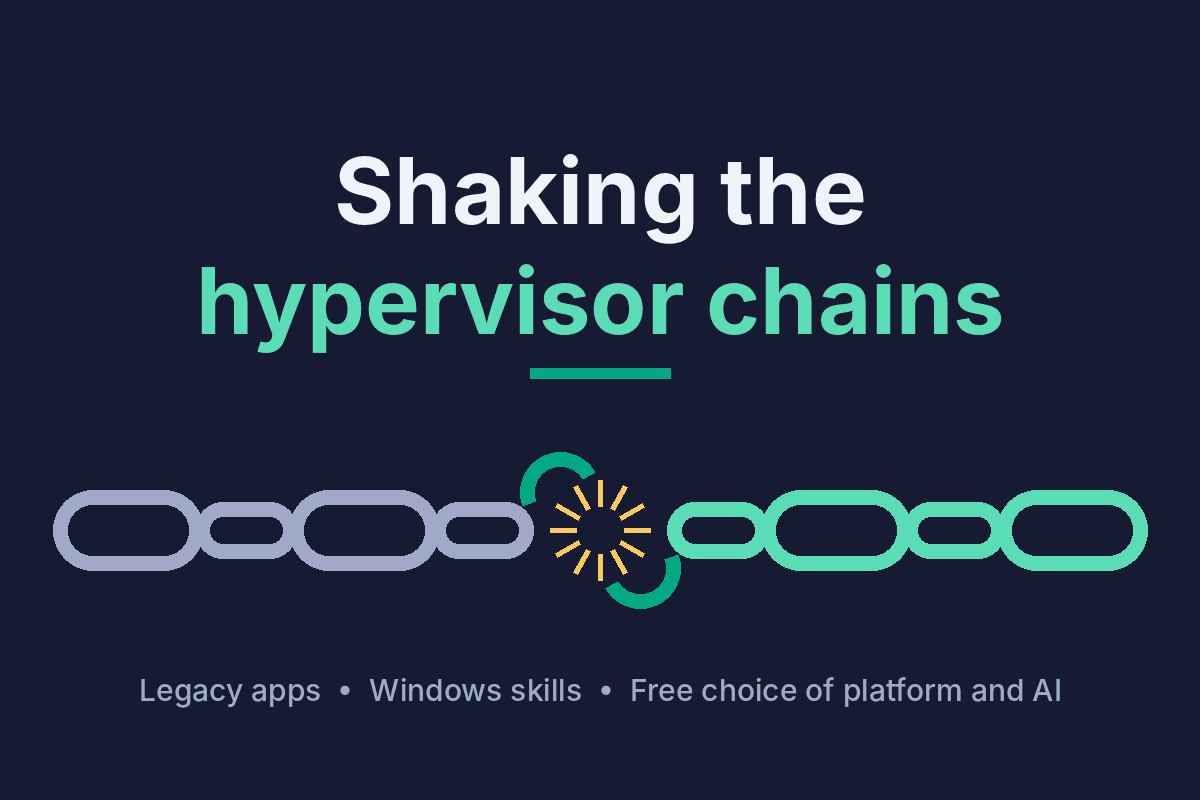
When you dig into that “can’t”, it’s rarely the hypervisor itself. It’s the line-of-business application from 2009 that only runs on a specific Windows Server build and has a vendor who stopped answering emails. It’s the team that knows Windows and vCenter inside out and has never touched KVM. It’s fifteen years of scripts, templates and backup jobs that all assume vSphere. The hypervisor is just where all those chains are bolted to the wall.
So this post is for the Windows people. The ones running the estate that keeps the business going, who are tired of being told to “just refactor to cloud native”. You don’t have to. But you can get a lot more freedom than you have today, and it’s easier than it looks.
Three chains, not one
I find it useful to separate the lock-in into three parts, because a good escape plan loosens all of them. A bad one just swaps one padlock for another.
- The licence chain. Bundles, core minimums and renewal terms you didn’t choose. This is the one everyone talks about.
- The application chain. Legacy Windows workloads that can’t be rebuilt, only moved. They need to arrive on the new platform booting, with their IP, their data and their quirks intact.
- The skills chain. Your people. Their knowledge is valuable, and any plan that makes it worthless on day one will fail quietly, no matter how good the spreadsheet looks.
Keep those three in mind. Everything below is about loosening them, in that order.
Where to land
There are several credible landing zones today, and for a Windows-heavy shop Hyper-V and Azure Local are obviously on the list. The one I want to highlight is HPE Morpheus VM Essentials (VME), because it attacks the licence chain and the skills chain at the same time.
VME is a KVM-based virtualisation platform (HPE calls its hypervisor HVM), licensed per physical CPU socket regardless of core count, for one, three or five years. The detail that matters most to me: the same console manages both new HVM clusters and your existing vSphere environment. That means you don’t have to do a big-bang cutover. You can run both side by side, learn the new platform with the old one still in view, and move workloads when they’re ready. It also isn’t tied to HPE hardware, which is something users single out in reviews.
The ecosystem has caught up too. Veeam Backup & Replication 13 is verified as integrated with VME, so your backup team doesn’t have to start over, and the major migration tools have added VME as a target.
Four ways to move a VM
This is where the application chain gets loosened. There’s no single right tool, and anyone who tells you otherwise is selling one. I think of the options as a spectrum from cold to warm: cold means more downtime and less tooling, warm means near-zero downtime and more moving parts.
- Image conversion. The built-in migration tool in VME exports the VM from ESXi and converts it. It’s included in the licence and perfect for simple workloads that can tolerate a maintenance window.
- Backup and restore. If you already run Veeam or Commvault, restoring into the new platform is often the cheapest path, because you’ve paid for the tooling already. Veeam Data Platform 13.1 handles the disk conversion and driver injection as part of the restore.
- Snapshot or sync. Agentless, hypervisor-level replication with minimal downtime. HPE’s Rapid Migration Tool adds batching, automation and driver injection for larger waves. HPE Zerto is the choice for tier-1 systems where downtime simply isn’t an option. RiverMeadow, which built specific VME capabilities in 2025, is strong on scale and online conversion, and can take on the whole migration as a service for bigger estates.
- OS or agent based. Replication from inside the guest, driven by the application rather than the hypervisor. This is the warmest option, and it’s where OpenText Migrate comes in.
Two more options belong on the list even though they aren’t tools. A fresh deploy is slow but handles anything, and for the truly fragile legacy app it’s sometimes the honest answer. And for large estates, HPE services or a partner running the factory is often what turns a two-year project into a two-quarter one.
Lessons from people who’ve done it
The community is refreshingly open about the bumps, and they’re almost all Windows-specific. Get the VirtIO storage drivers into the guest before the data transfer, or the VM won’t boot on the other side. Plan for VMware Tools removal. Expect the new NIC to come up on DHCP, so your static IPs need a re-apply step in the runbook. And budget time honestly: one engineer moving his lab reported a single 250 GB VM taking more than four hours over a 1 Gbps link, before it had even booted and reconfigured itself. None of this is hard. It just needs to be in the plan rather than discovered at 2 a.m.
One more practical point: vendors and distributors know that paying for two hypervisors during the transition is what stops many projects. There are currently incentives aimed squarely at that overlap, on both licences and migration tooling. They change often, so it’s worth asking before you sign anything.
Why OpenText Migrate deserves a second look
If you’ve been in Windows infrastructure long enough, you probably know this product by its old name: Double-Take. For more than two decades it has been the go-to for replicating Windows servers, first as Double-Take Software (with Double-Take Move for migrations), then as part of Vision Solutions, which bought the company for $242 million in 2010. Carbonite acquired the Double-Take business in early 2017, and when OpenText bought Carbonite in late 2019 it became OpenText Migrate. The logos changed four times; the replication engine many of us trusted in the 2000s and 2010s did not. It has quietly stayed one of the most dependable tools for exactly the workloads this post is about.
It does real-time, byte-level replication from inside the server, from any physical, virtual or cloud source to any target, encrypted with AES-256. Targets include vSphere, Hyper-V, Azure and Azure Local (formerly Azure Stack HCI), where it can even auto-provision the target VM. The part I like most for nervous application owners: you can test the replica as many times as you want without touching production, and cut over in minutes when everyone is happy.
OpenText Migrate excels when: the workload is Windows, the downtime window is tiny, the source is a mix of physical and virtual, or you want to keep Hyper-V and Azure firmly on the table. It’s also a good fit when the application owner wants to see the new system working before they’ll agree to anything.
The real exit: a control plane above the hypervisors
Here’s the uncomfortable truth about every migration project I’ve seen: if you only change the hypervisor, you’ve bought yourself freedom for exactly one move. The next time pricing or strategy shifts, you’re back to the same project with different logos.
That’s why I think HPE Morpheus is the most interesting part of this whole story. Morpheus sits above the infrastructure as one control plane: self-service catalogue, automation and workflows, policy, governance and cost, across VME, vSphere, Hyper-V, Nutanix, Kubernetes and the public clouds. VME is effectively the entry edition, and you can step up to Morpheus Enterprise when you need the full multi-platform reach.
This is what finally loosens the skills chain. Your team learns one operating model, one catalogue, one way of requesting, approving and automating, and that knowledge survives whatever runs underneath. The legacy Windows VM that lives on vSphere today, moves to HVM next year and maybe to Azure after that is the same catalogue item the whole time. Moving stops being a project and becomes a decision.
And then it gets interesting: AI through MCP
Model Context Protocol (MCP) is the open standard that lets AI assistants and agents talk to real systems through well-defined tools. HPE has built Morpheus around an open, MCP-based approach to AI operations, so you can use the models you choose rather than one baked in. The tiers build on each other: VM Essentials gets MCP integration to extend automation workflows, Advanced adds AI-assisted workflows and monitoring with bring-your-own-model support, and Enterprise adds AI chat and proactive agents that help detect issues and speed up troubleshooting. At Discover in June, HPE tied this into GreenLake Intelligence, its framework for registering, orchestrating and governing agents across hybrid IT.
Why should a Windows admin with a legacy estate care? Because this is the shortcut across the skills gap. Instead of learning a new CLI or API for every platform, you ask in plain language: which VMs are still on vSphere, which ones have VirtIO drivers ready, what would this application cost on HVM versus Azure, start the next migration wave for the finance servers. The agent works through the same catalogue, roles and policies as everyone else, so governance doesn’t go out of the window when the AI comes in.
It’s early days, and I’d start with read-only questions and assisted workflows before handing an agent the keys. But the direction is clear: the platform you choose now should be one your AI can operate tomorrow. A hypervisor with an open MCP interface on top is a very different proposition from one locked behind a proprietary console.
A sensible path out
- Start with the applications, not the hosts. Classify every workload by how much downtime it can take and how fragile it is. That tells you where on the cold-to-warm spectrum it belongs.
- Pick the landing zone per workload. Most will land on one platform, but a few may belong on Hyper-V, in Azure or in a fresh build. That’s fine.
- Pilot cold, then scale warm. Prove the runbook with the built-in tool on simple VMs, then bring in RMT, Zerto, RiverMeadow or OpenText Migrate for the waves that matter.
- Put the control plane in early. Manage old and new from the same place from day one, so the team learns the new operating model while the old platform is still there as a safety net.
- Let AI in gradually. Questions first, assisted workflows next, autonomous agents when you trust the guardrails.
Bottom line
The chain was never really the hypervisor. It was the tight coupling between your applications, your people and one vendor’s way of doing things. Break that coupling with the right mix of migration tools and a control plane on top, and the hypervisor becomes what it should have been all along: a commodity you can choose, and change, on your own terms. Your legacy apps keep running, your Windows people keep their value, and you get a platform your AI can work with.
Every estate I’ve looked at has a different first step. Finding it is usually the most interesting part of the conversation.
Sources: HPE Morpheus Software features, HPE Discover 2026 announcement on GreenLake and Morpheus, Virtualization Review on Discover 2026, HPE VM Essentials licensing overview (software-express), Gartner Peer Insights: HPE Morpheus VM Essentials, Veeam Integrated: HPE Morpheus VM Essentials, Veeam community: My Great Hypervisor, HPE community: VMware to HVM migration quirks, RiverMeadow on HPE VM Essentials, OpenText Migrate for Azure Stack HCI, Andy’s World on OpenText Migrate, Xconomy on Carbonite’s acquisition of Double-Take. Diagrams: own work.
Leave a Reply